Knights and Dragons Chainmail and Scale Clip Studio Paint Brushes
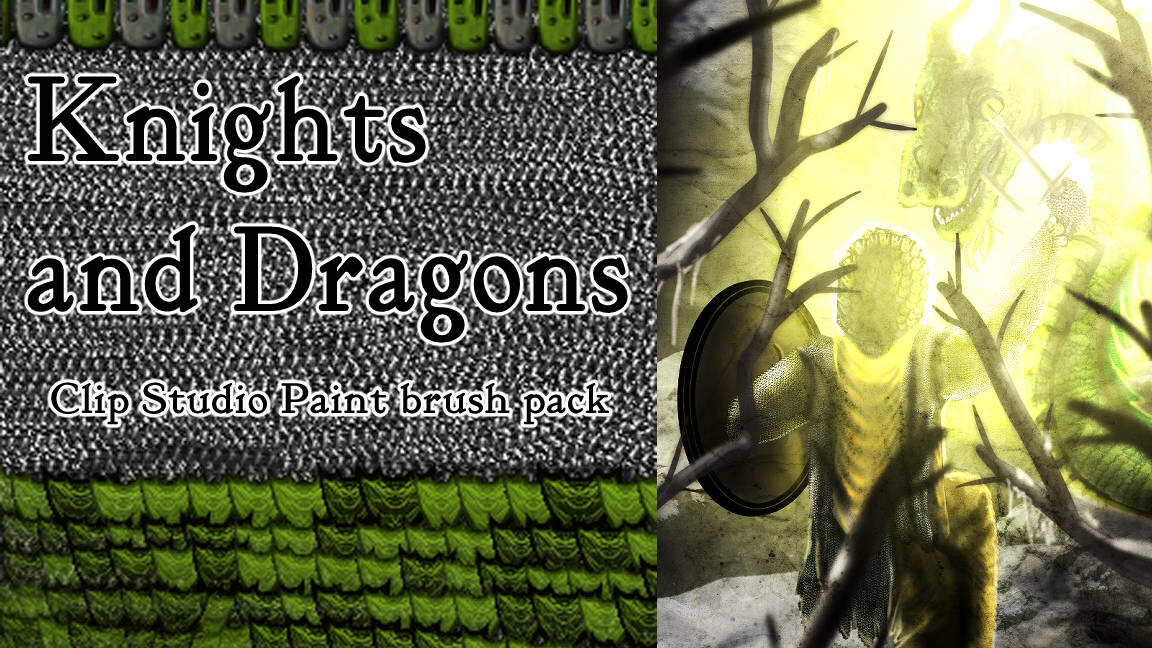
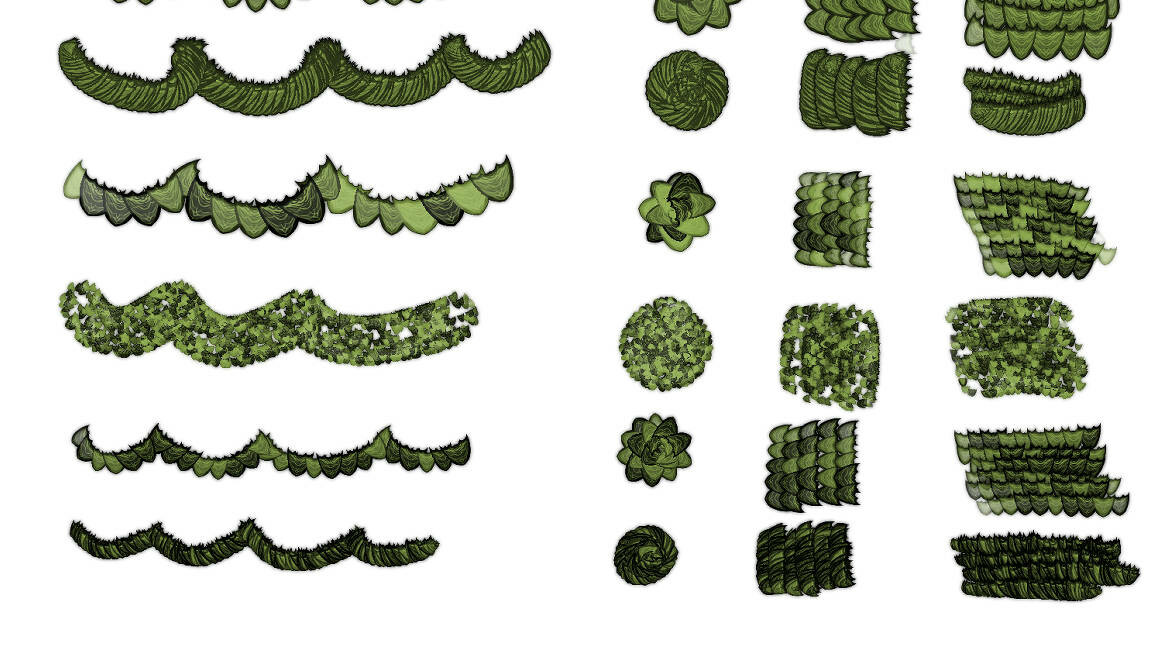
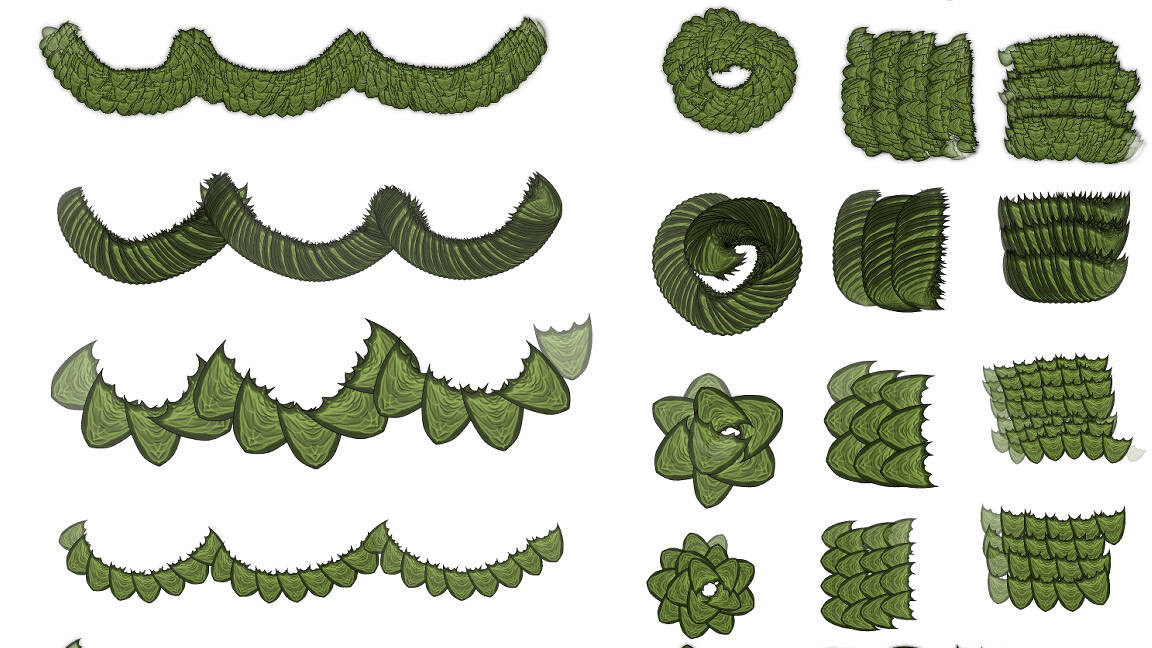
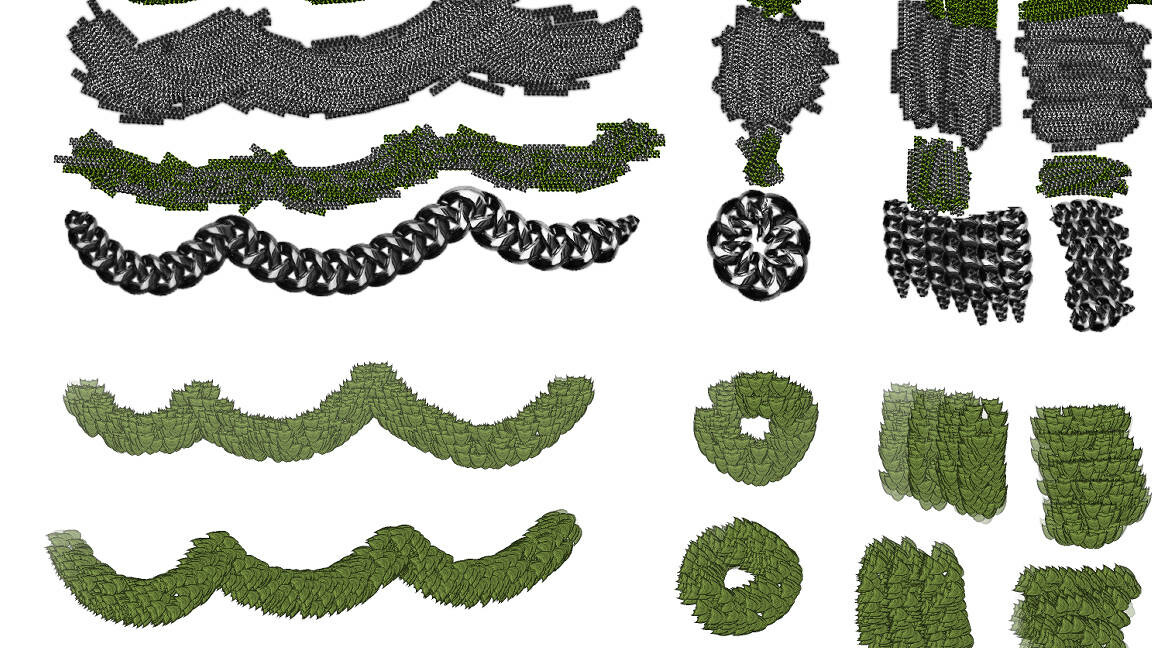

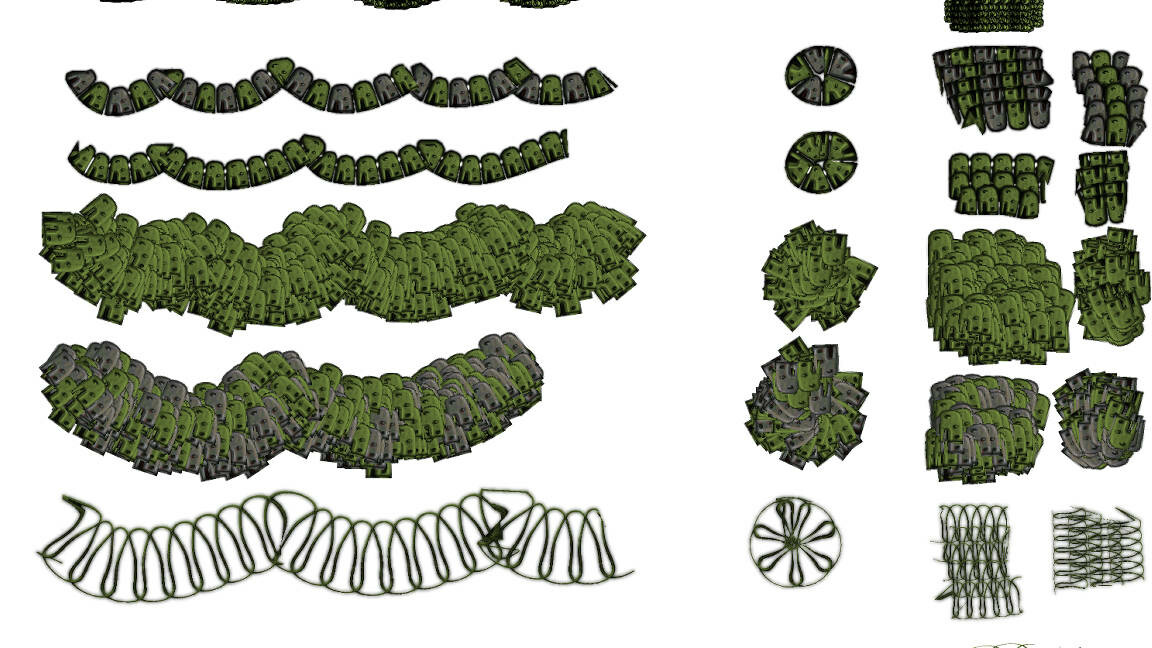
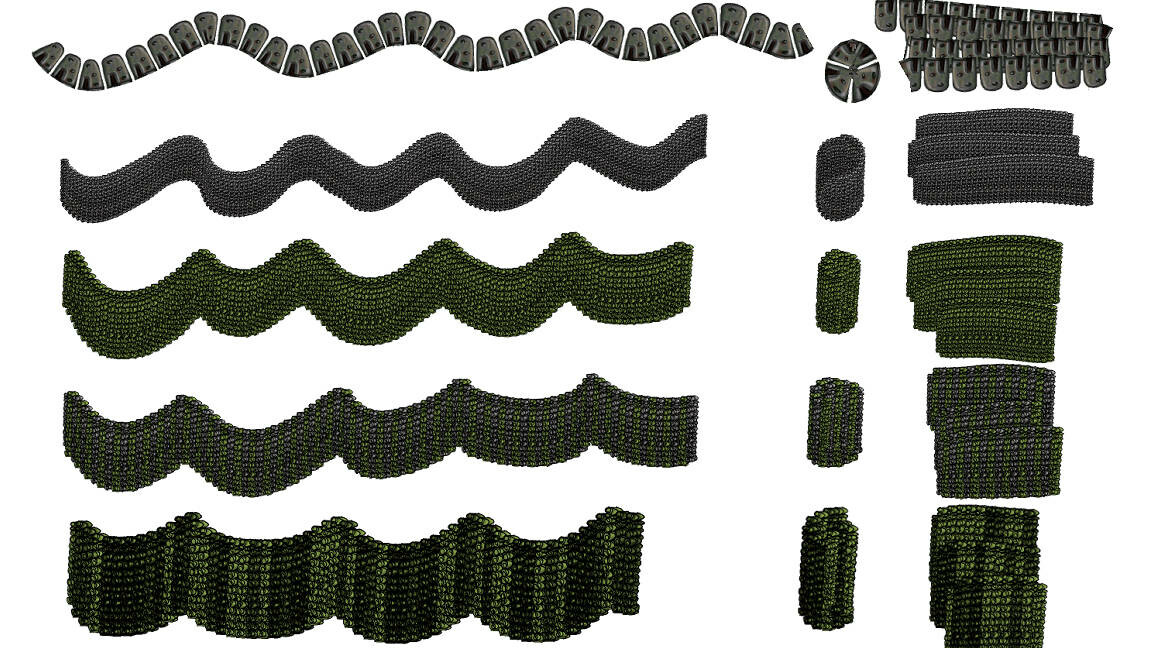

35 brushes, though several of them are very similar variations where it has the ability to set the color with foreground/background versus no color set. All brushes shown in the demo. You can see the ones with color changing abilities are green in the demo strokes. The others are fixed into a preset metallic color for speed painting.
This is a pack of 35 brushes to help painting chainmail and dragon scales. Many of the brushes are fairly similar, versions that can and cannot be colored with foreground/background color. Some have fixed metallic color for speed painting. The demo image uses green to show which brushes can be colored. On the demo I have drawn a wavy line, a circle, and then some overlapping strokes to show the effect of the brush. You can see all of the brushes in there. I like to have the slightly different behaving options on hand.
Watch me do a spontaneous speed painting where I use these brushes.
Thanks for buying the brushes! They come in a zip. Unzip and drag the brushes into the Clip Studio Paint category that you want by selecting them all from the unzipped folder, or import by right clicking in the sub tool menu and clicking 'import subtool'. I recommend putting them in a Decorations folder.